← All projects

Tokenauts

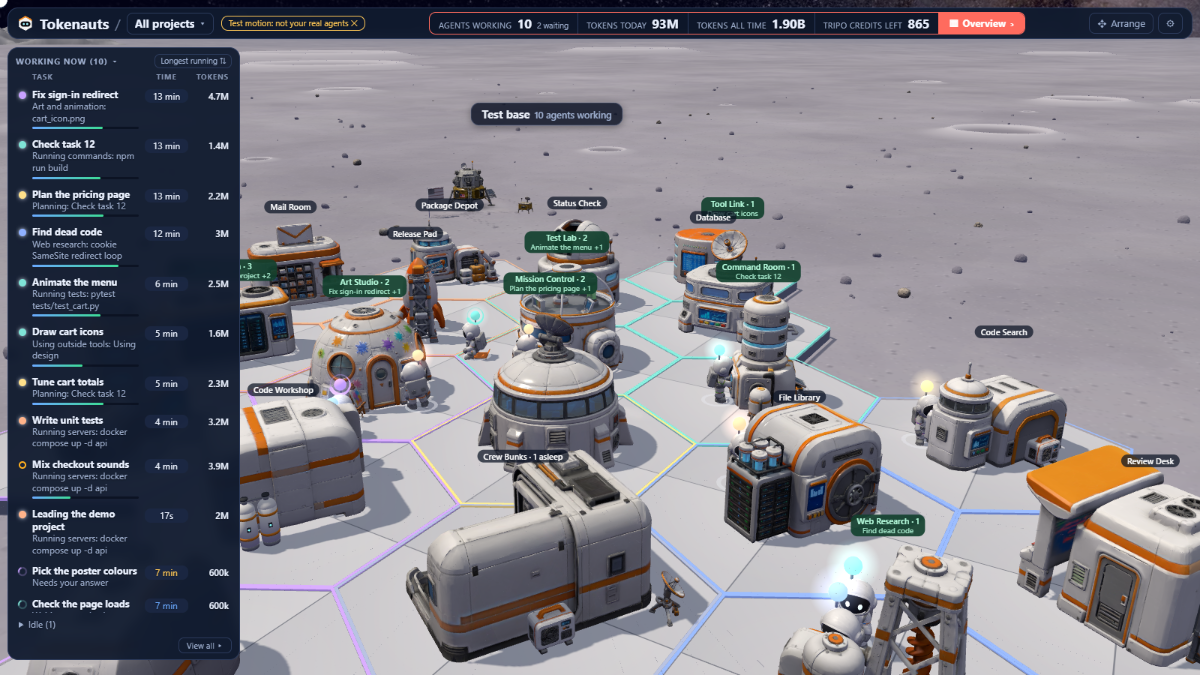
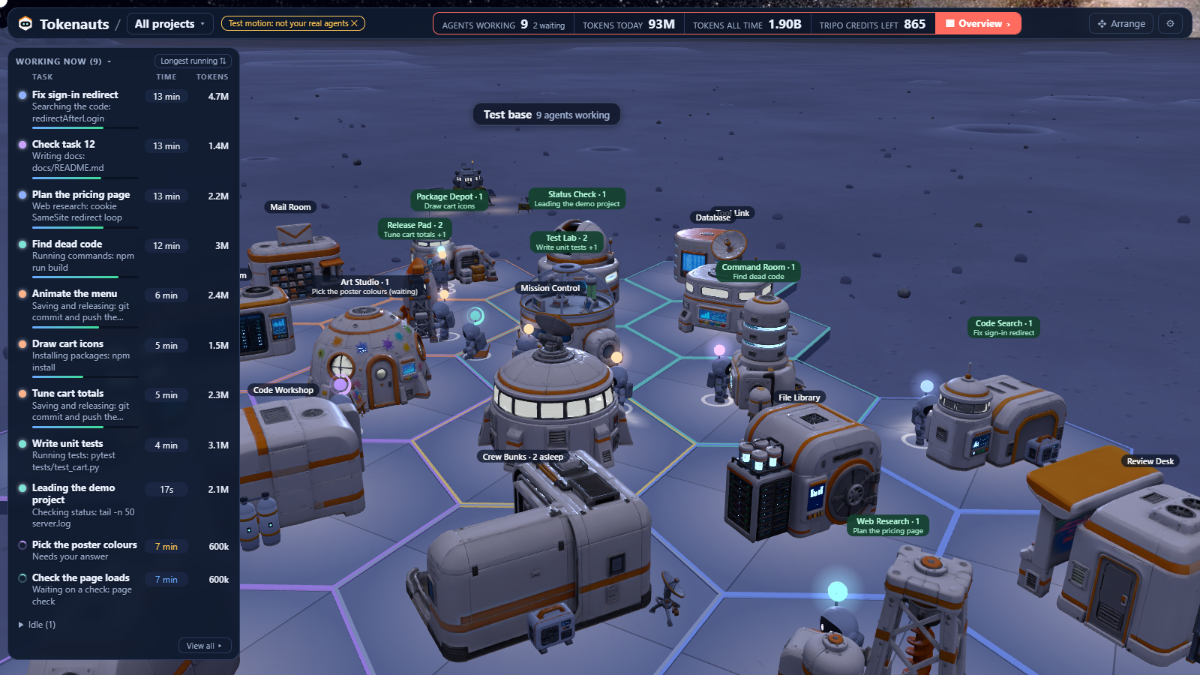
Watch your AI coding agents work as little astronauts on a moon base, right beside your editor. Every project gets its own base; every agent walks to the building for the work it is doing right now.

COMING SOONVS Code extension · works with Claude Code and Codex
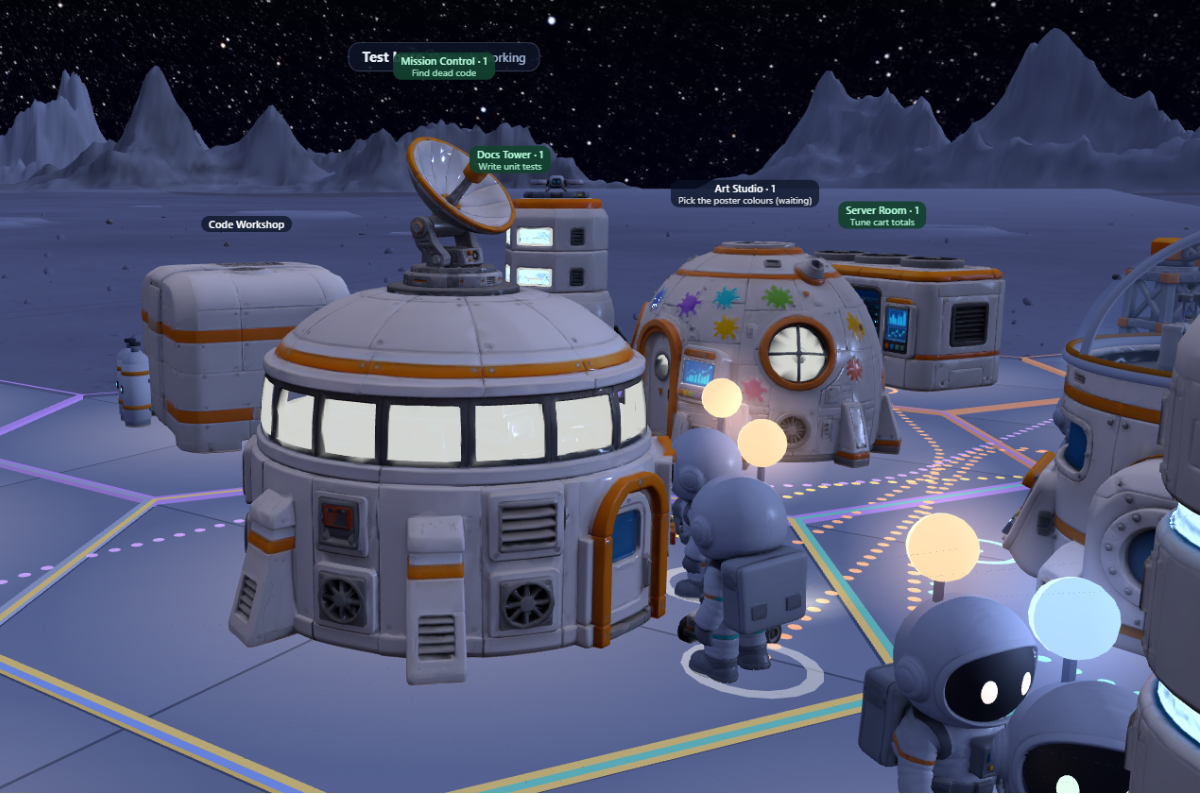
A Tokenauts base at night: white and orange buildings on hexagon tiles, astronauts with glowing helmet lamps

What it does

Every agent, at a glance

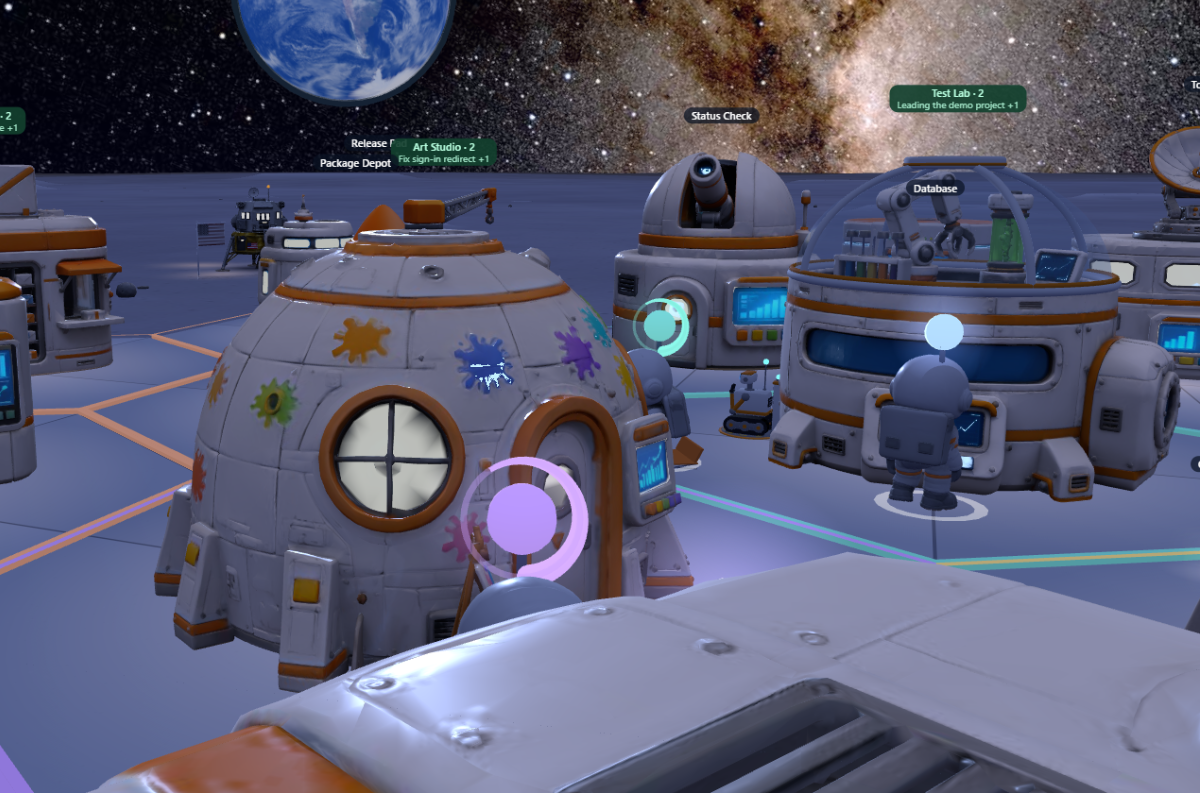
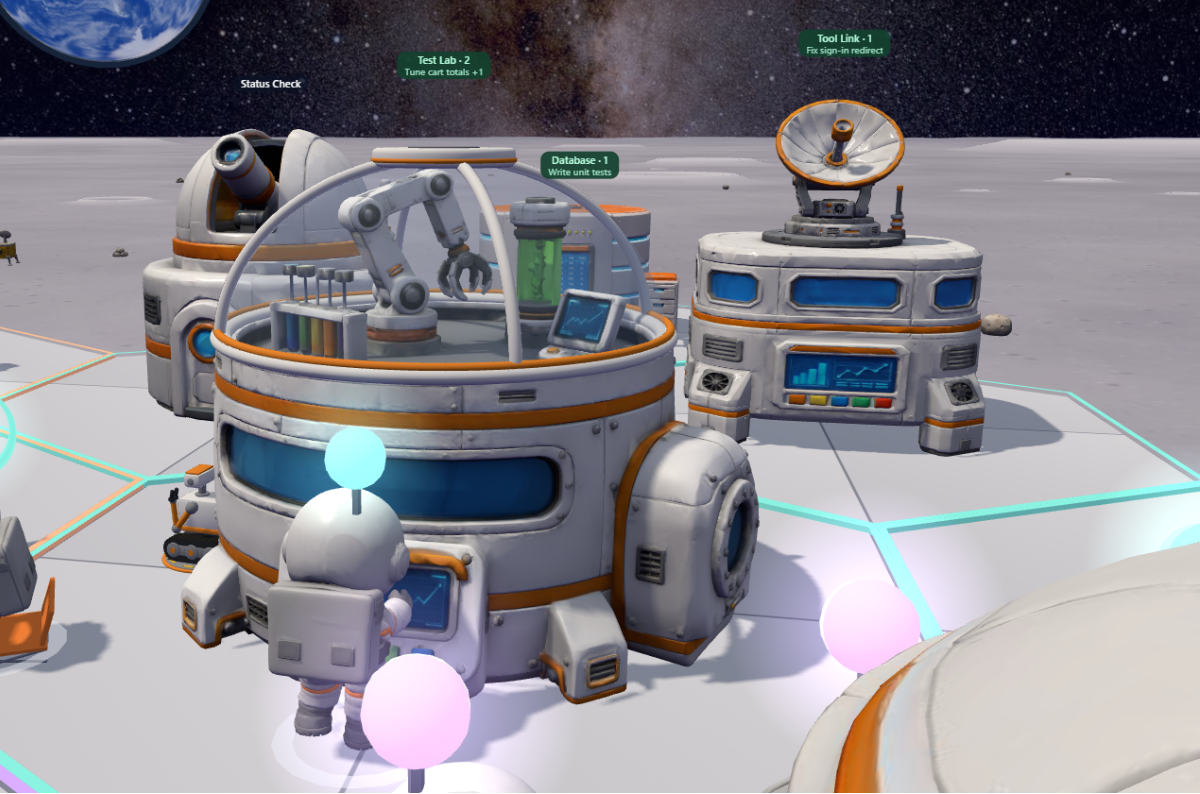
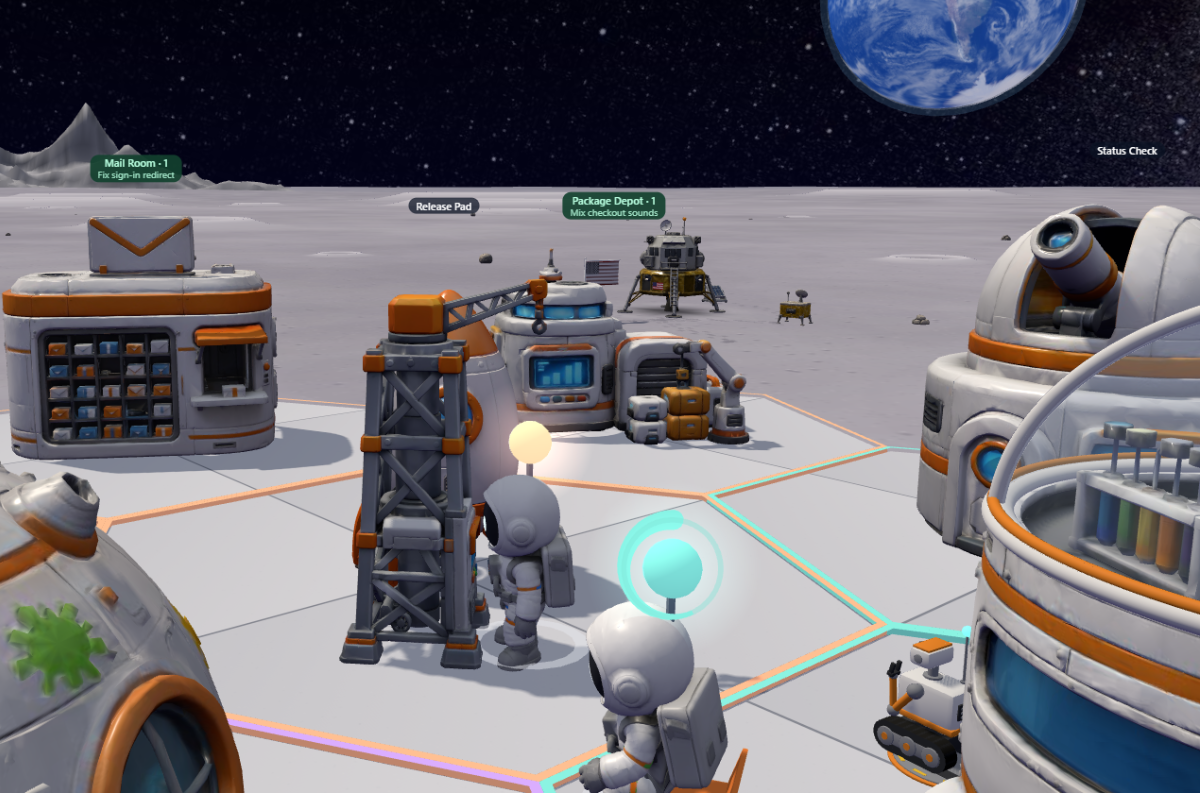
Each agent is an astronaut. It walks to the Code Workshop when it writes code, the Test Lab when it runs tests, the Release Pad when it ships.

Working now

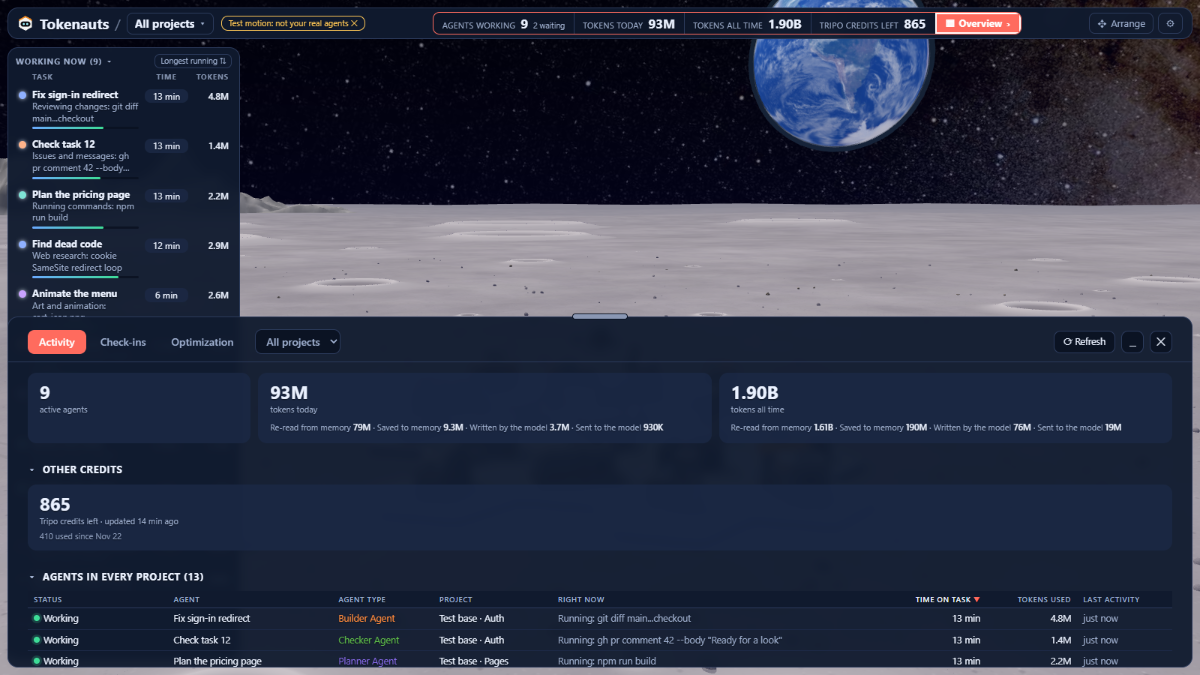
A small panel lists who is doing what, for how long, and how many tokens it has used, longest-running first.

Click for the story

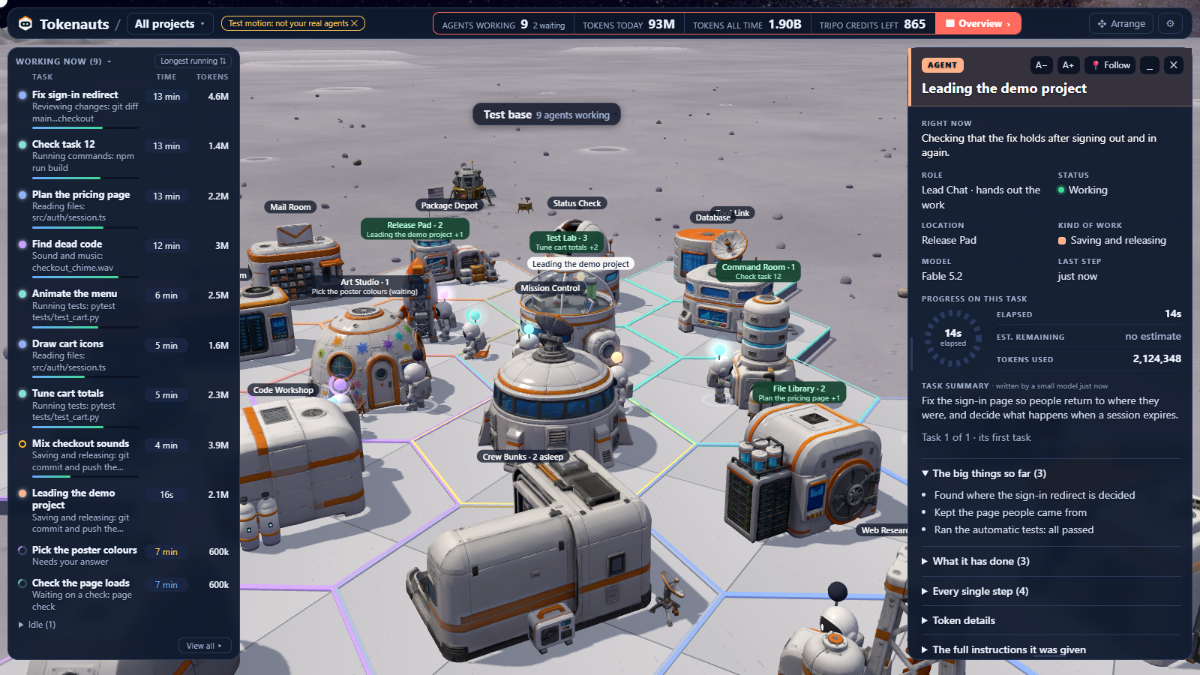
Click an astronaut for a short card: its task, what it is doing this second, its progress and an estimate of the time left.

Tokens, added up

The Overview sums token use by project, by model and by kind of work, with charts and a sortable table.

Check-ins and launches

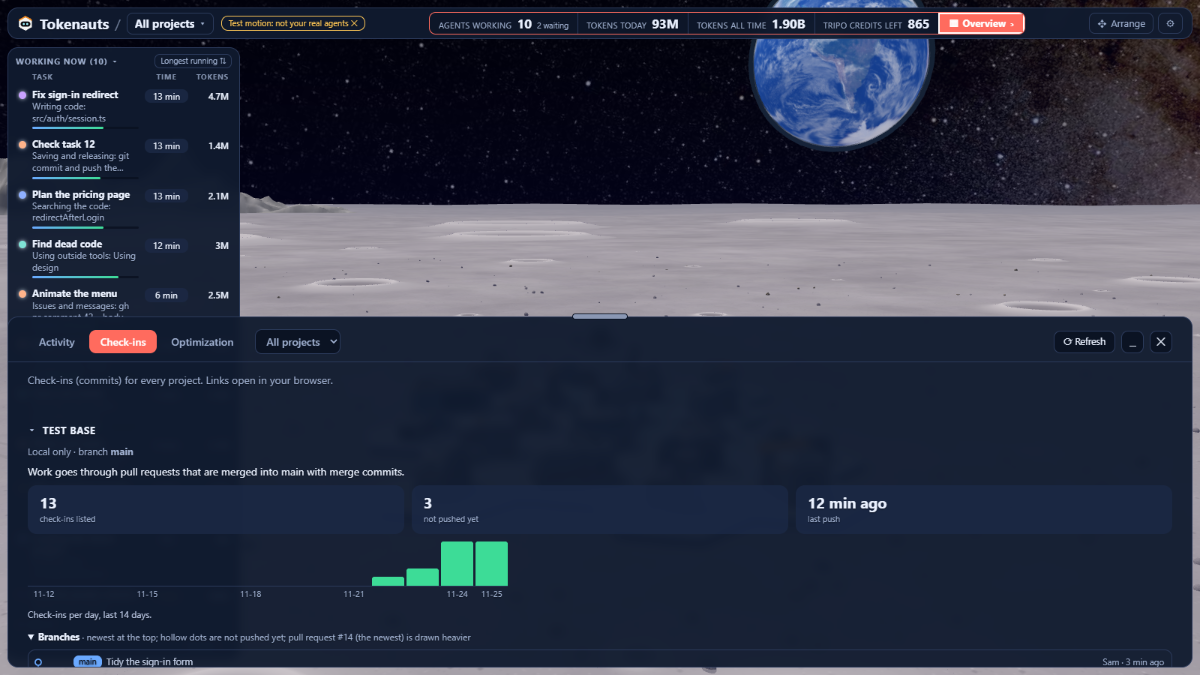
See recent pull requests and the branch picture. When work is really released, the rocket counts down and lifts off.

Your base, your way

Move and turn buildings, rename them, pick colours and floors. Day and night follow your local clock.

Gallery

Install

Tokenauts is nearly ready. It will install from the VS Code Marketplace in one click.

  1. Install Tokenauts from the VS Code Extensions view.
  2. Click Tokenauts in the status bar, bottom right.
  3. Keep chatting with your AI; the base fills up as your agents work.

Until it is on the Marketplace it also needs Python 3.10 or newer. Tested on Windows; macOS and Linux are next.

The details

  • StatusComing soon
  • Works withClaude Code, Codex
  • Runs inVS Code, or any browser
  • Your dataStays on your computer
  • Cost to watchNo tokens
  • Made byWizard Tower Labs

Tokenauts only reads the records your AI tools already keep on your computer. It never changes them, listens only to your own computer, and sends nothing anywhere. Optional short AI summaries use your own Claude Code and can be switched off.